Platform
 W&B Models
 W&B Weave
 W&B Inference
 W&B Training
 Release Notes
Sign up and create an API key
An API key authenticates your machine to W&B. You can generate an API key from your user profile.For a more streamlined approach, create an API key by going directly to User Settings. Copy the newly created API key immediately and save it in a secure location such as a password manager.
- Click your user profile icon in the upper right corner.
- Select User Settings, then scroll to the API Keys section.
Install the wandb library and log in
To install the wandb library locally and log in:
- Command Line
- Python
- Python notebook
-
Set the
WANDB_API_KEYenvironment variable to your API key. -
Install the
wandblibrary and log in.
Log metrics
Use the--logger wandb command line argument to turn on logging with wandb. Optionally you can also pass all of the arguments that wandb.init() expects; prepend each argument with wandb-.
num_eval_imges controls the number of validation set images and predictions that are logged to W&B tables for model evaluation.
Example
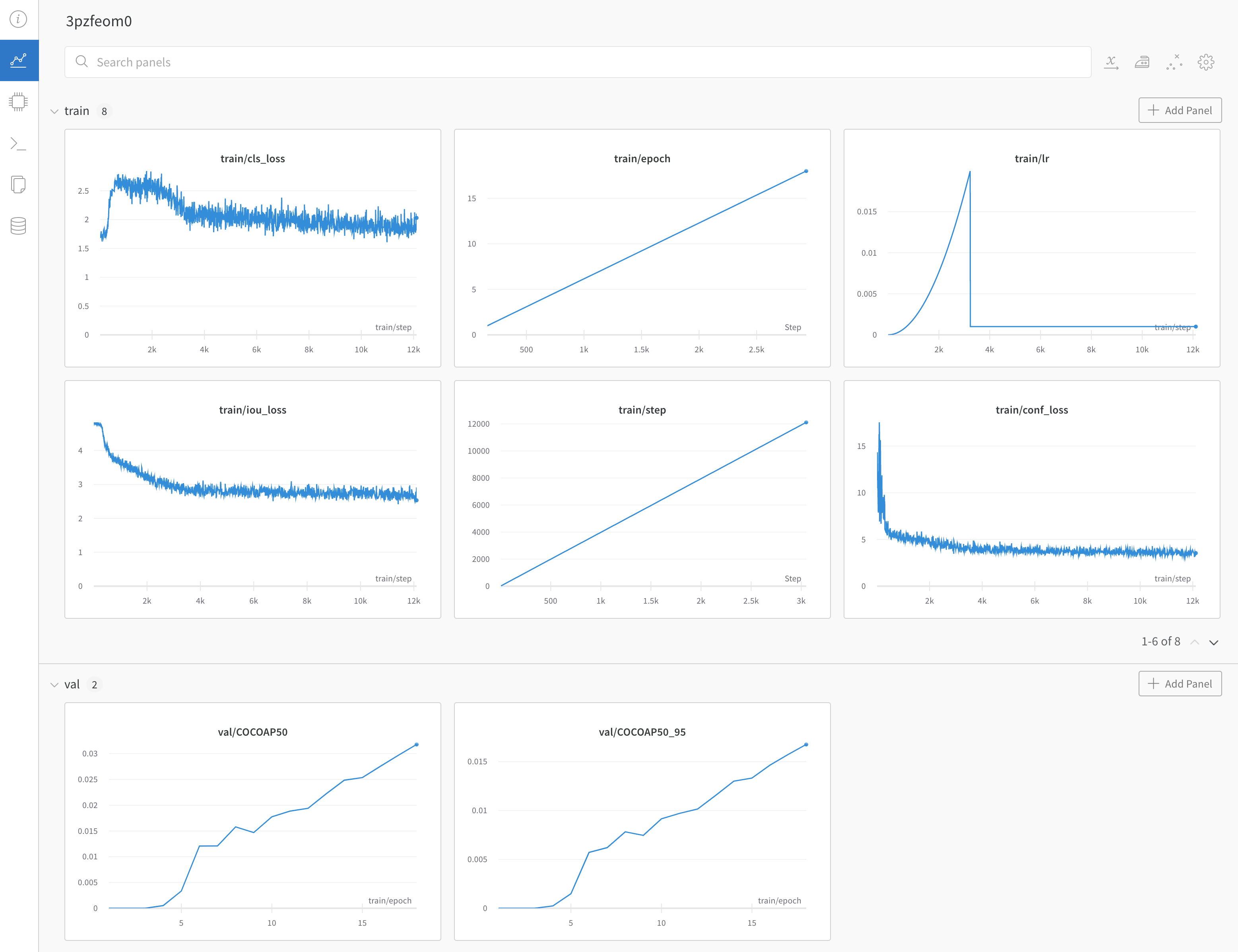
Example dashboard with YOLOX training and validation metrics ->